

Curating Sources
Sources give the Agent trusted material to retrieve, cite, and use when answering audience questions.
Purpose
Select and tune the sources, citations, and ranking behavior that should ground Agent responses.
Prerequisites
- Approved source material. See Sources for what a source is and Importing Sources for bringing material in.
- Permission to manage sources or responder knowledge.
- A clear policy for what material the Agent may cite.
Where the Agent’s Knowledge Comes From
An Agent draws on two pools of material, each controlled by a toggle on the Responder’s Knowledge page, under the Sources tab:
Most teams start with both on, so a new Agent can answer from the community corpus before you have added anything of your own. Teams configured with a custom corpus are the exception: their Agents use team sources only, and both toggles are fixed.
Community sources come from third-party contributors. Console validates their authenticity and relevance as far as it can, but Apologist is not responsible for copyright infringement by content contributors. If your ministry needs to control that exposure, turn Use All Community Sources off and curate the pool yourself.
While both toggles are on, the Agent uses everything available and the selective pickers below them do nothing. Turn at least one off to choose individual sources, collections, contributors, or categories. Exclude Tags is the exception: it stays editable and keeps applying to every pool either way.
These pages edit the Agent’s default Responder, the AI configuration attached to the Agent. If your Agent has the Responders capability turned on, the Behavior, Knowledge, and Context pages are hidden and you configure each Responder directly instead.
Steps
Choose Which Pools To Draw From
Select Agents in the left-hand navigation, open your Agent, then choose Knowledge from the row of pages across the top and select the Sources tab.
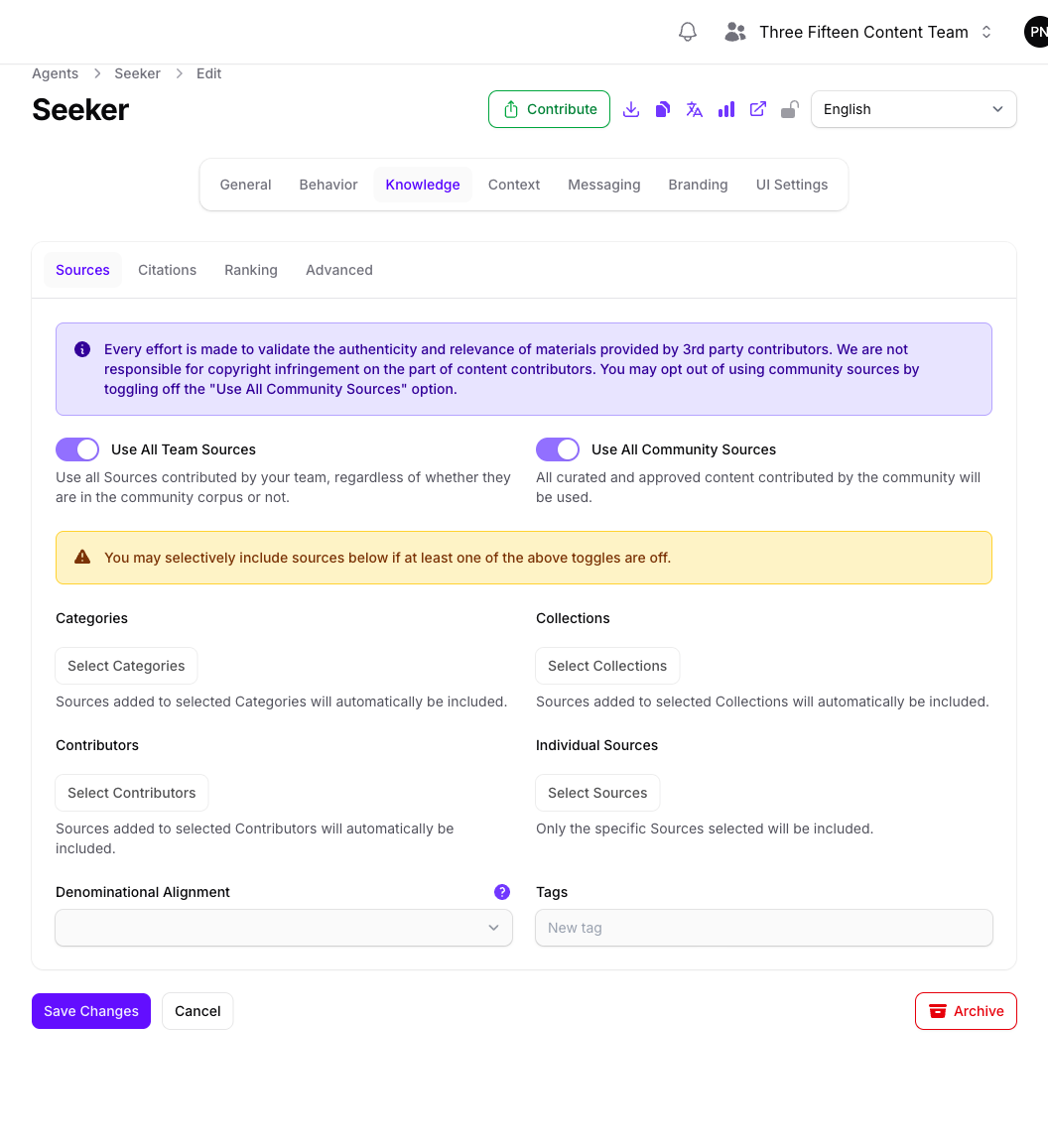
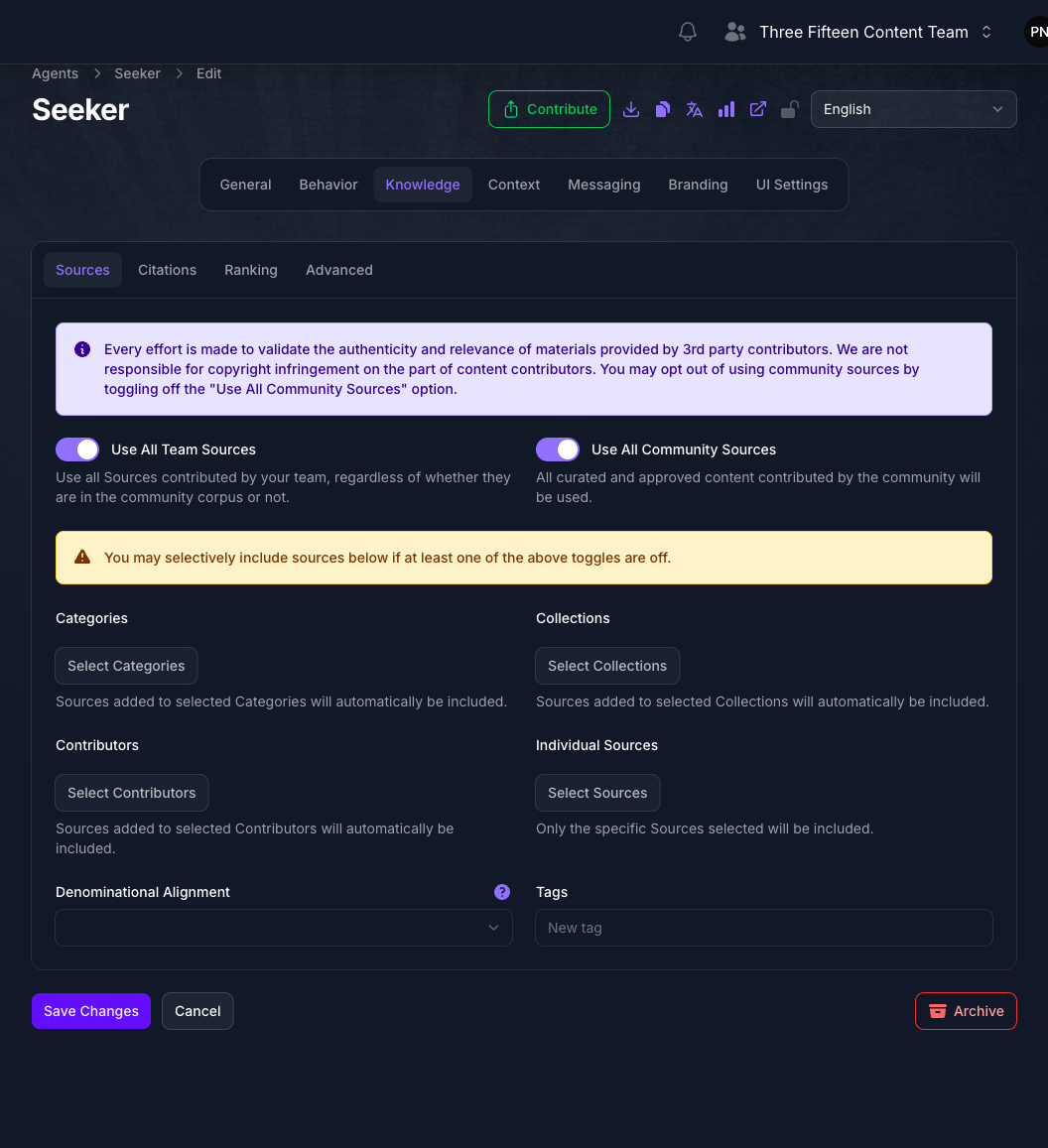
Decide how wide the Agent’s reach should be:
- Both toggles on gives the Agent everything available, and needs the least maintenance.
- Team sources only keeps the Agent within material your ministry contributed and controls.
- Community sources only is unusual, but useful for an Agent that should answer from the shared corpus without surfacing your own unpublished material.
- Both toggles off means the Agent uses only what you select in the pickers below.
Narrow To Specific Material
With at least one toggle off, the selective pickers become editable. Each one narrows what the Agent may retrieve:
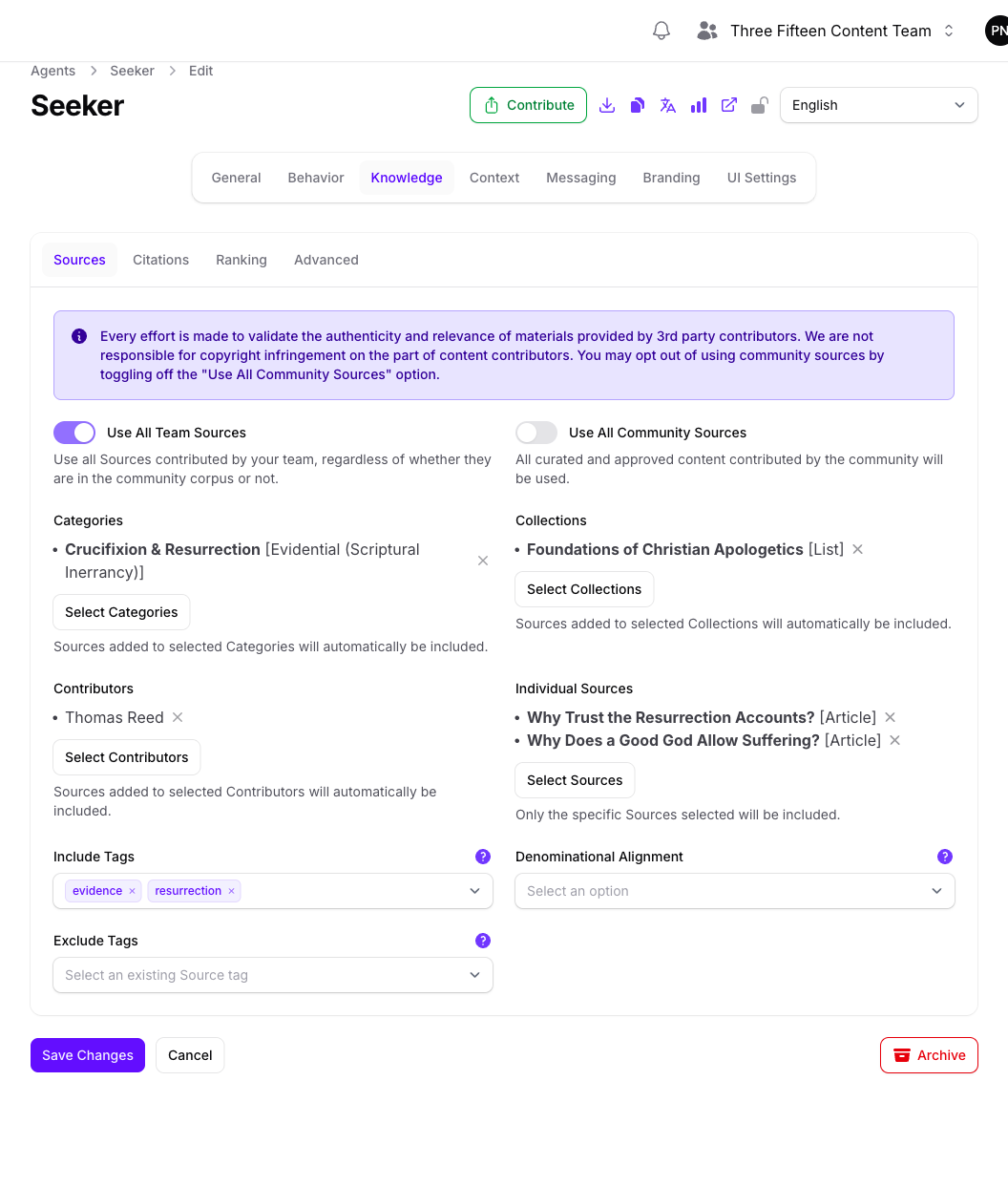
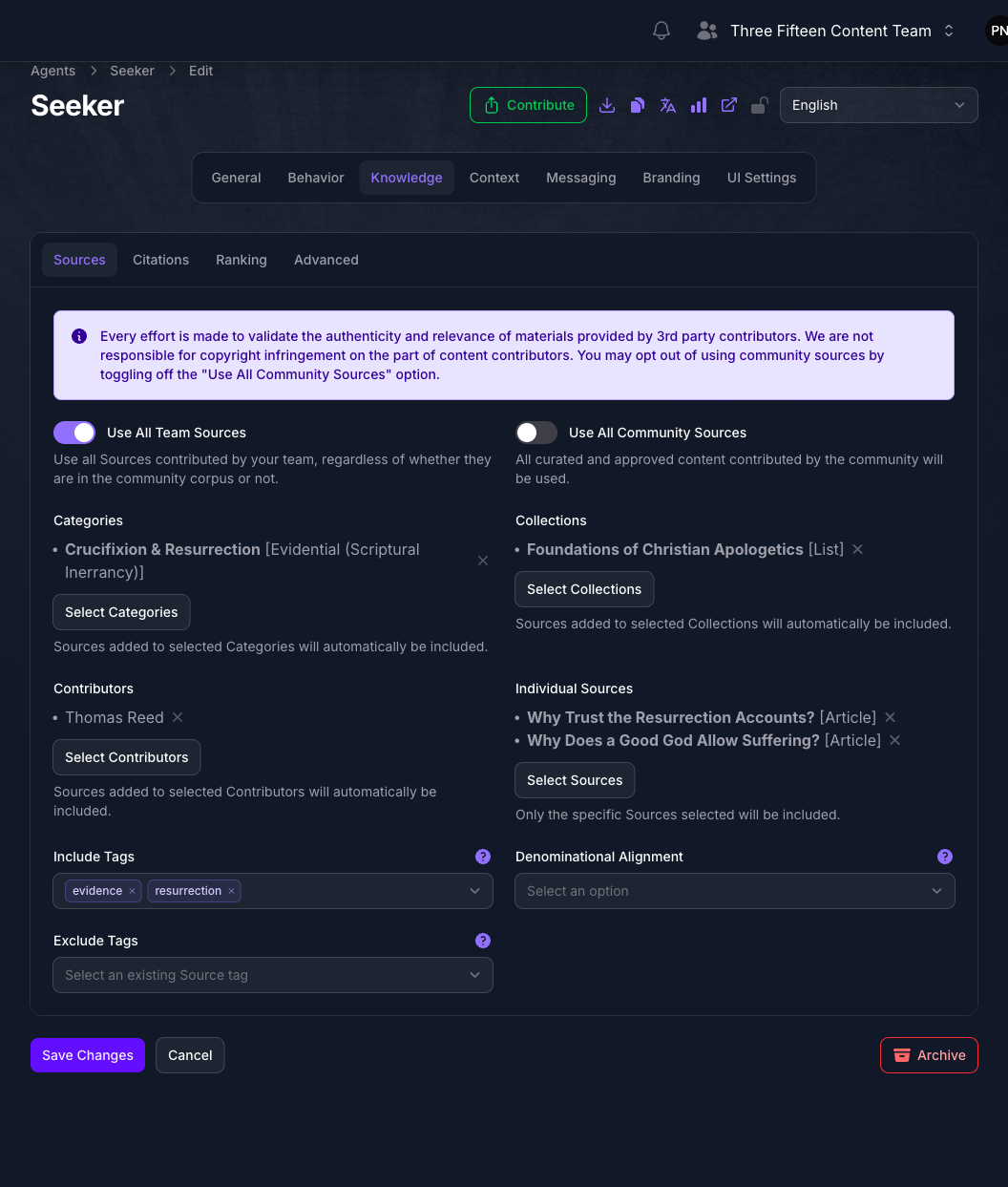
Each picker opens a searchable table of what your team has available, and lists your choices back beneath it to review or remove.
Categories, Collections, and Contributors pull in everything filed under them, so material added later is included automatically. Individual Sources covers only the documents you name, so new material never joins it on its own.
Leave a picker empty to place no restriction of that kind, or fill in several and they work together to define the pool.
Individual Sources lists only sources that are active for Agents and have finished indexing, so material you imported moments ago may not appear yet. See Indexing Sources.
Exclude Material From Every Pool
Exclude Tags works the opposite way from the pickers above it: sources carrying any tag you list here are left out of retrieval, whichever pools the Agent draws on. It stays editable even while both corpus toggles are on, so you can keep specific material out of answers without narrowing the Agent’s reach in any other way.
Both Include Tags and Exclude Tags offer only tags that already exist on your team’s sources; neither creates new ones. Tag the material on the source itself first, and the tag becomes available here.
Turn On Inline Citations
Select the Citations tab.
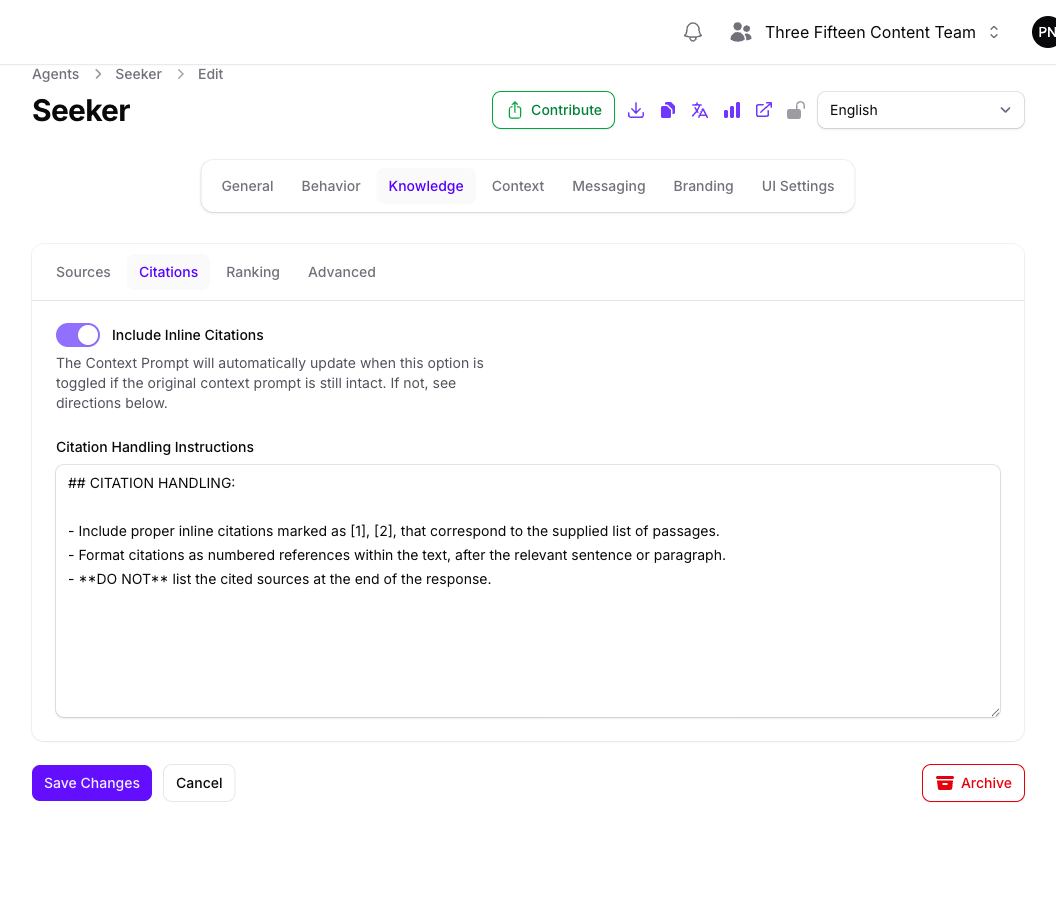
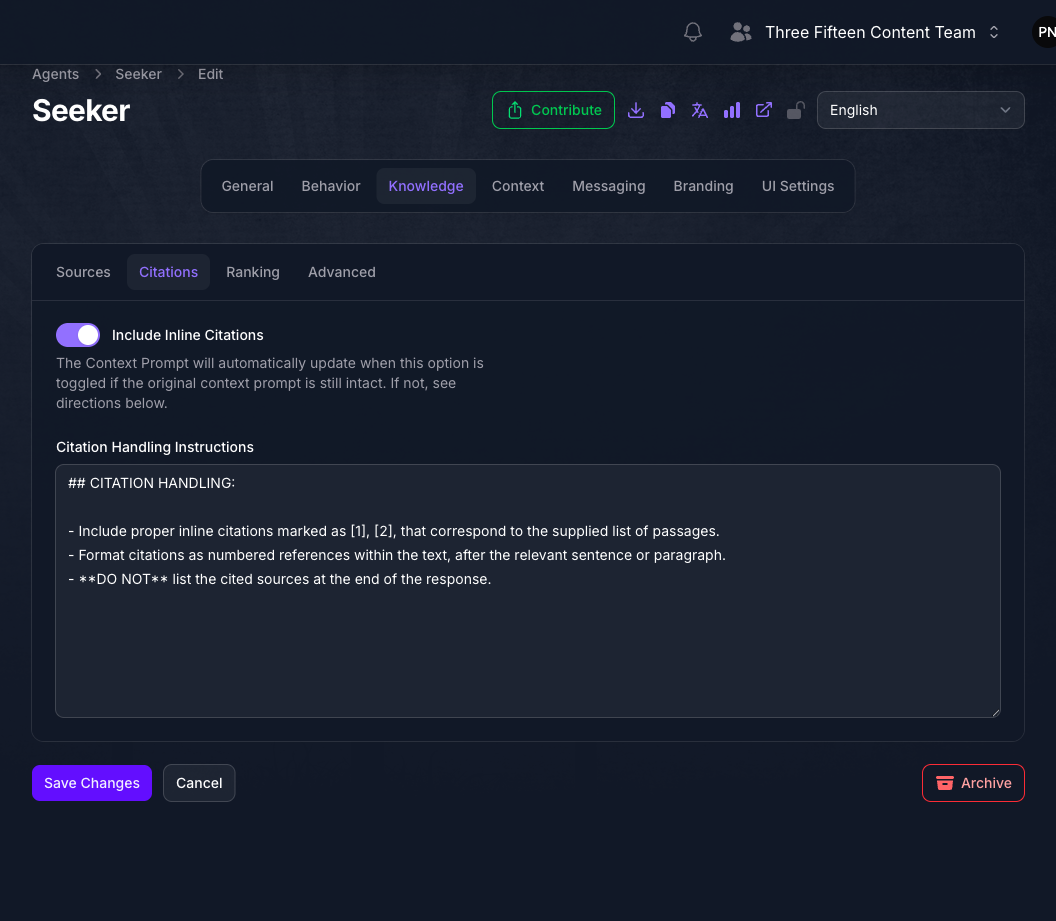
Include Inline Citations tells the Agent to attribute claims to the material it retrieved, so readers can follow an answer back to its source. Turning it on fills Citation Handling Instructions with default wording that asks for markers such as [1] and [2] matching the supplied passages, placed after the relevant sentence or paragraph, with no source list repeated at the end.
Edit that wording when you need a particular citation style, or when the Agent should name a ministry rather than a document title. Your edits are safe: turning the toggle back off clears the field only if the default text is untouched.
Set Ranking Preferences
Select the Ranking tab.
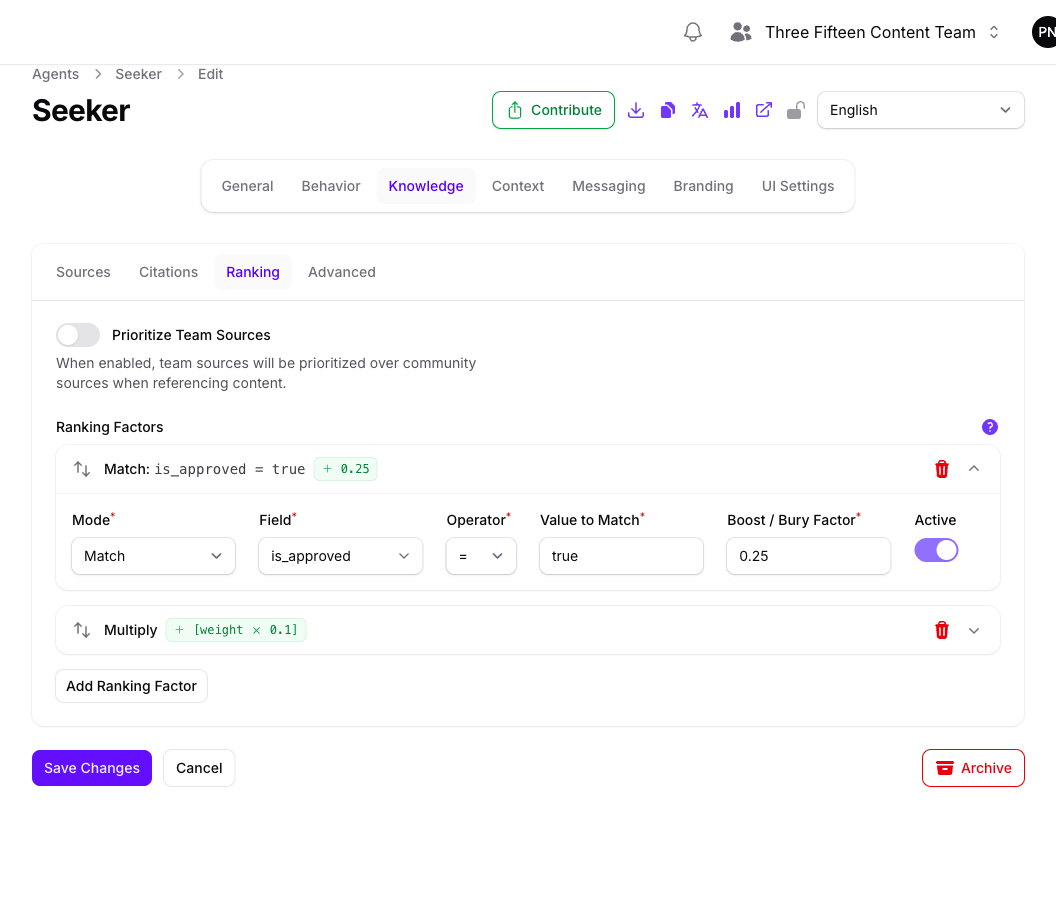
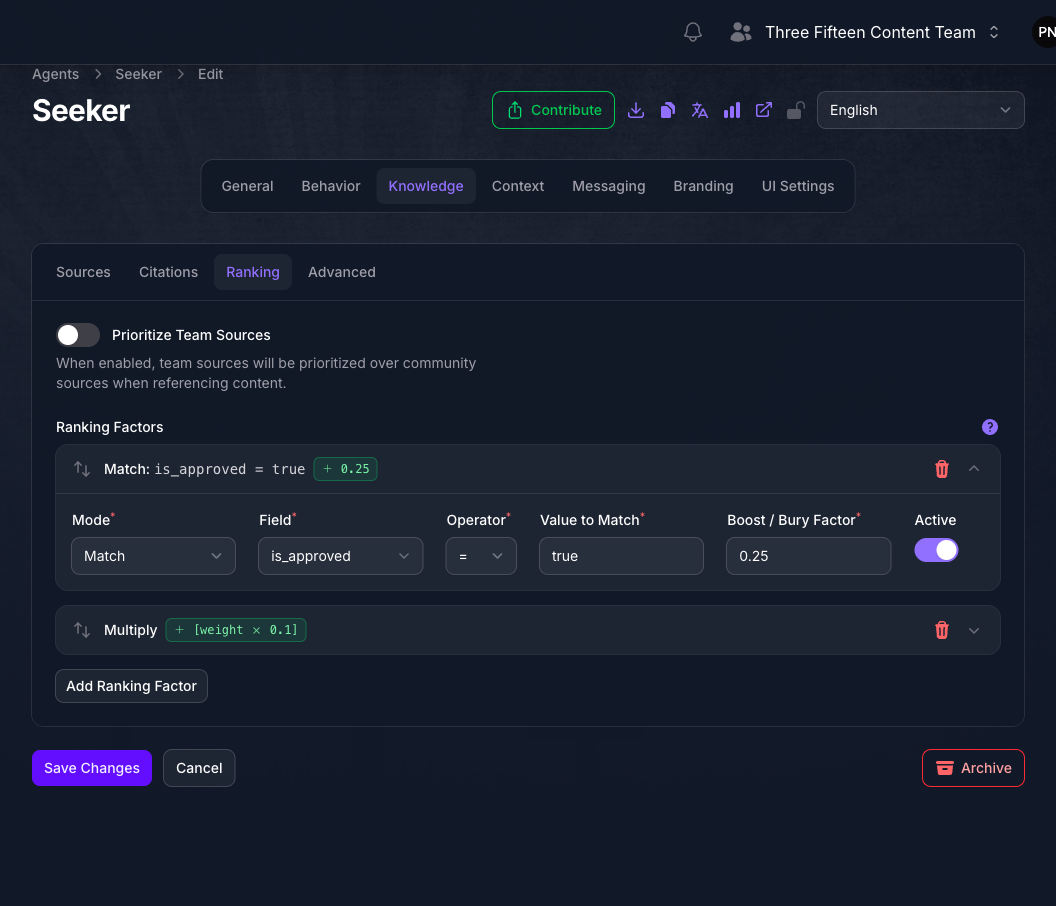
Prioritize Team Sources favors your own material over community material when both are relevant. It is available only while Use All Team Sources is on, since there is nothing to prioritize otherwise.
Ranking Factors boost or bury material by its metadata. Select Add Ranking Factor, then set:
- Mode, one of Match to act on a specific value, Multiply to scale by a numeric field, or Randomize to introduce variety.
- Field, the metadata field to test, drawn from the fields your team has enabled for ranking.
- Operator and Value to Match, used by Match mode only.
- Boost / Bury Factor, from -1 to 1. Positive values promote matching material and negative values demote it.
- Active, so you can retire a factor without deleting it.
Date and datetime fields convert to days in the past from today, so past dates are positive, today is 0, and future dates are negative. In Match mode, use > 0 for past dates and < 0 for future dates.
Factors apply in the order listed, and each row can be dragged to reorder. Start with one factor, confirm its effect, then add more.
Expected Result
The Agent answers from ministry-approved knowledge, favors the material you consider most authoritative, and cites the sources readers should trust.
Troubleshooting
- The pickers do nothing when selected. Both Use All Team Sources and Use All Community Sources are on, so there is nothing to narrow. Turn one off. Exclude Tags is unaffected and keeps working either way.
- Include Tags or Exclude Tags offers no options. Neither field creates tags. If the list is empty, your team’s sources carry no tags yet. Tag the sources first, then return here.
- A source you just imported is missing from Individual Sources. It has not finished indexing, or it is not active for Agents. Only indexed, active sources appear.
- The Agent cites community material you did not expect. Turn off Use All Community Sources, or turn on Prioritize Team Sources if you want your own material preferred rather than excluded.
- Prioritize Team Sources cannot be toggled. It requires Use All Team Sources to be on.
- The Ranking tab is not there. Ranking is not included in your team’s current plan.
- The whole Knowledge page shows an upgrade notice and is read-only. Custom sources are not included in your team’s current plan, which gates every tab on this page.
- Both source toggles are fixed and community sources are unavailable. Your team is configured to use a custom corpus, so its Agents use team sources only.
- The Agent finds nothing even though sources are selected. The retrieval limits live on the Advanced tab. See Configuring Advanced Context.
Next Step
Continue to Configuring Advanced Context to set how many retrieved passages reach the model and how it should use them.