

Related Media
Related Media puts a short row of suggested content underneath an Agent’s answers, so a visitor who wants to go further than the answer itself has somewhere to go next. Each suggestion is an individual video or podcast episode, or a whole Collection, depending on how you set it up.
Purpose
Turn on Related Media for an Agent, choose where its suggestions are drawn from, and limit them to the Collections you trust.
Prerequisites
- An Agent visitors can reach. See Standalone Web UI.
- Permission to edit Agent settings for your team.
- Indexed video or podcast Sources on your team. In its default mode Related Media draws only on those two source types, so an Agent whose library is all written material answers normally but shows nothing beneath its answers. See Streaming Videos and Podcast Episodes.
Steps
Turn On the Related Media Capability
Select Agents in the left-hand navigation, open your Agent, then choose General and select the Capabilities tab.
Under Experience, turn on Related Media and select Save Changes. The page reloads, and a Related Media tab appears on the Agent’s UI Settings page.
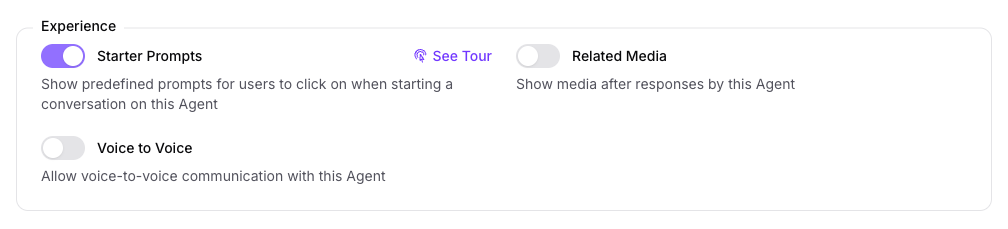
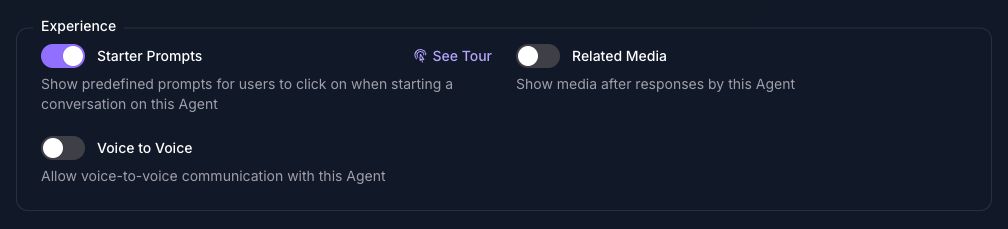
Open the Related Media Tab
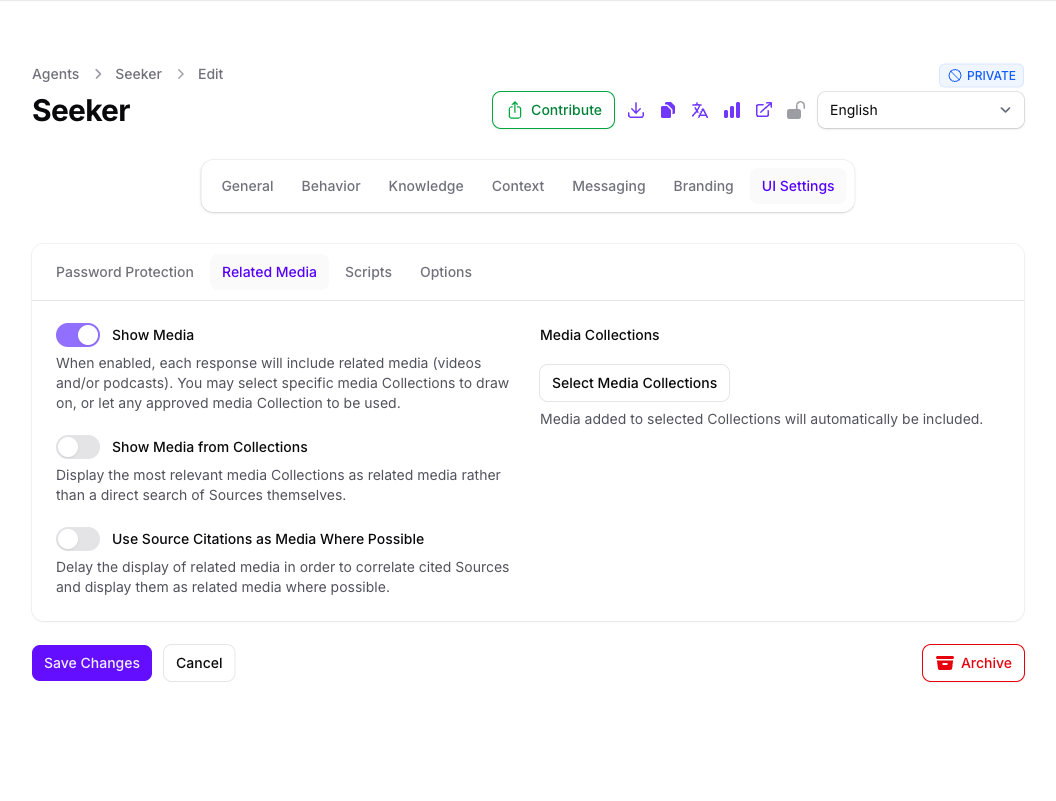
Choose UI Settings from the row of pages across the top, then select the Related Media tab.
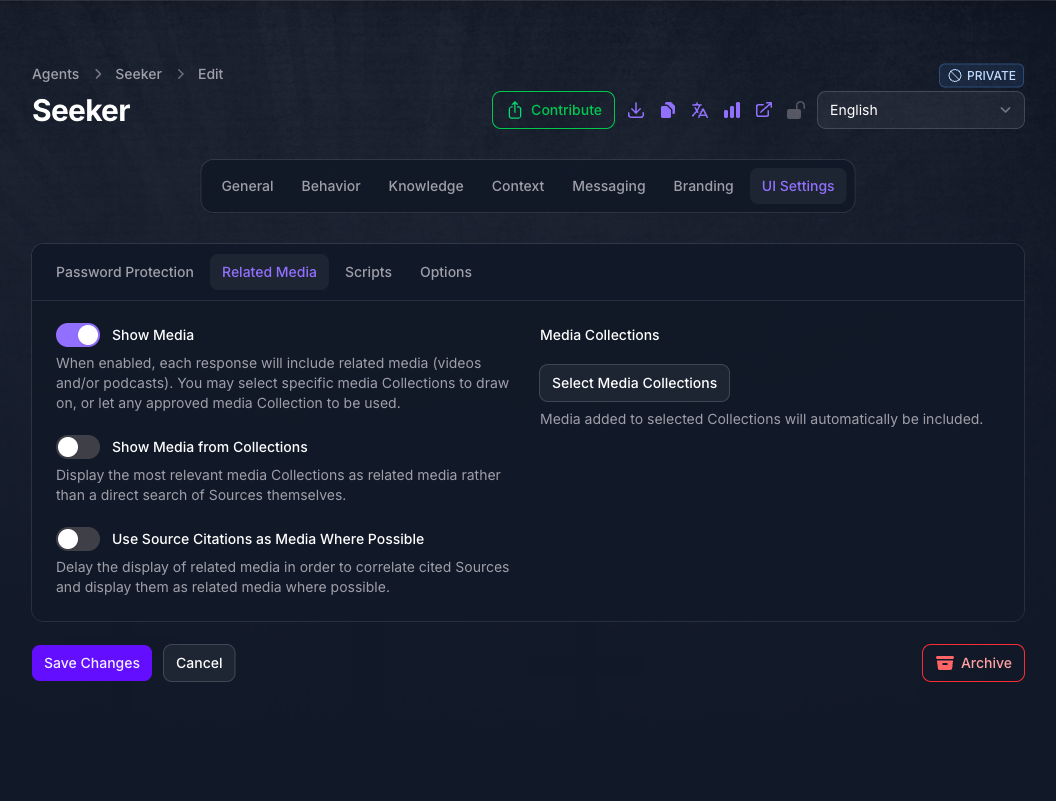
Turn on Show Media. The three controls beside and below it stay unavailable until it is on, so this is the switch that governs the rest of the tab.
Choose What the Agent Suggests
Leave Show Media from Collections off and the Agent suggests individual videos and episodes matched to the visitor’s question. Turn it on and it suggests whole Collections instead, which suits a library organized into series or podcasts more than one organized as standalone items.
Use Source Citations as Media Where Possible prefers media the answer already cited, so the suggestions reinforce the answer rather than sitting beside it. It applies only when Show Media from Collections is off. See How the Agent Chooses What To Show.
Limit the Suggestions To Specific Collections
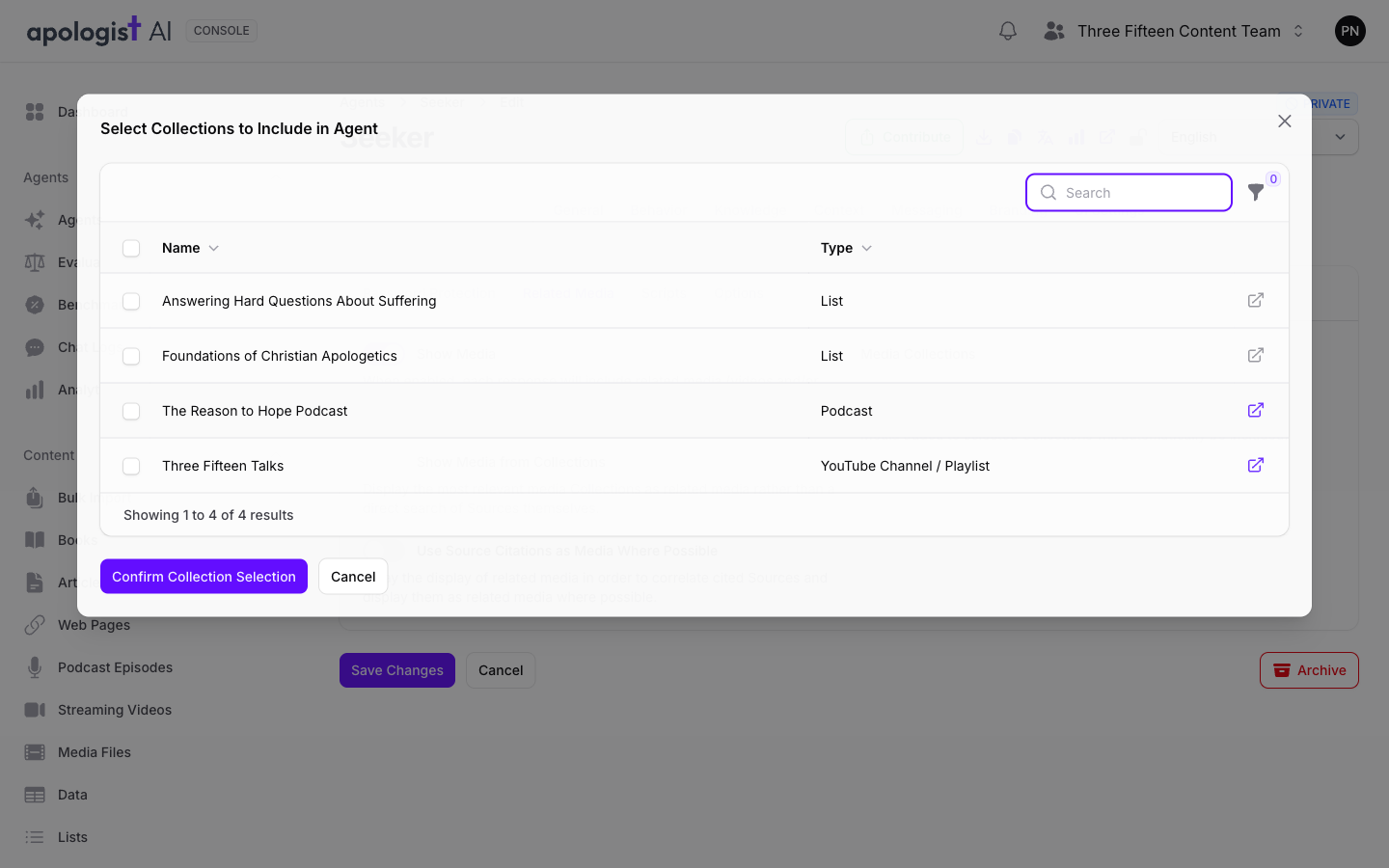
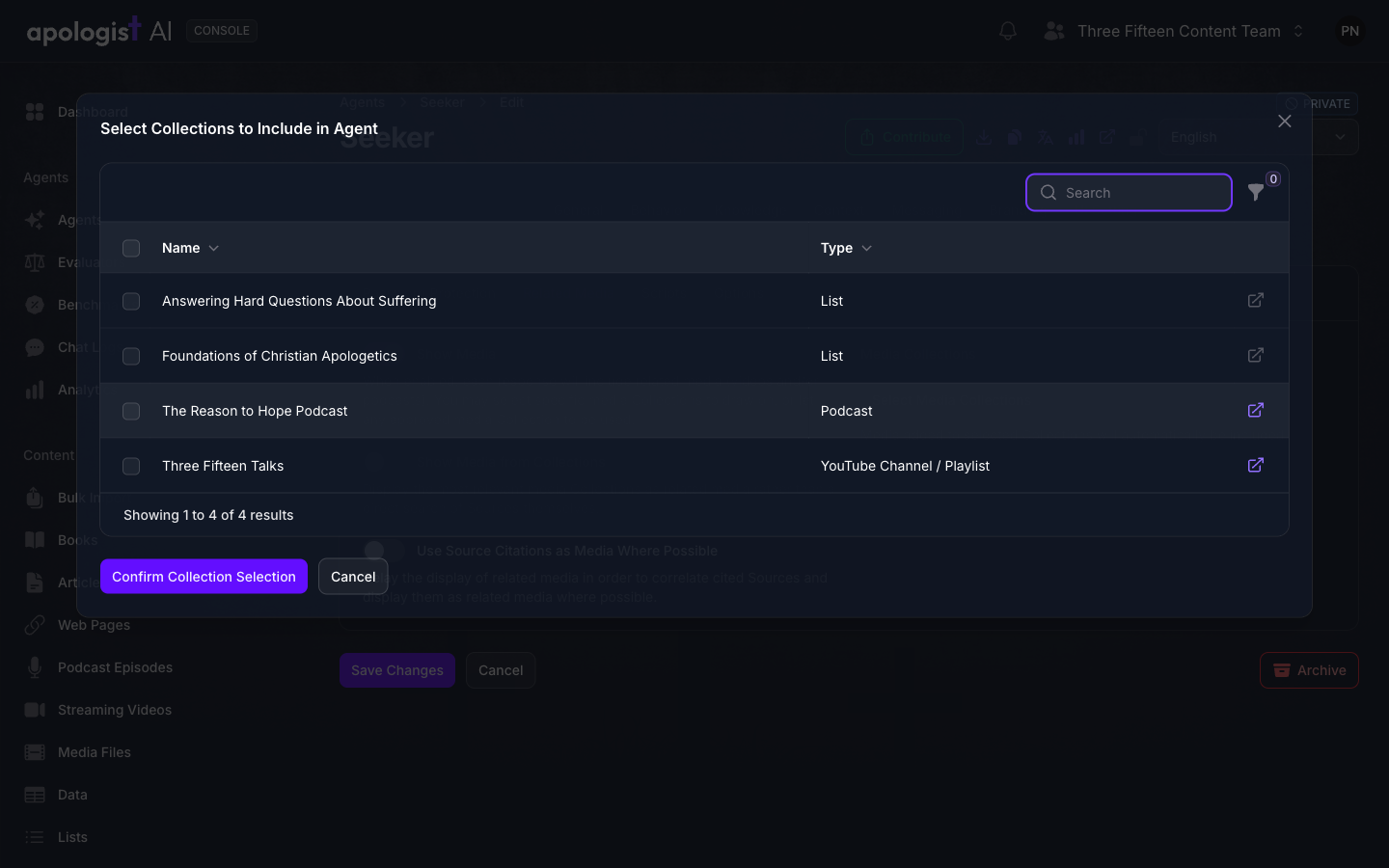
Select Select Media Collections and choose the Collections the Agent may draw on. Only playlists, podcasts, and lists appear in the list, because those are the Collection types that hold media, and the Type column tells you which is which. Confirm with Confirm Collection Selection.
Leaving this empty is a real choice rather than an incomplete one, and the two options behave differently enough to be worth deciding deliberately. An empty picker lets the Agent use any approved media on your team; naming Collections restricts it to those and changes how approval is applied.
Save And Check the Agent
Select Save Changes, then open the Agent’s address in a new tab and ask a question the media in your Collections actually answers.
Suggestions are matched to each question, so a question your library does not cover shows nothing at all. Test with a question you know is covered before concluding the setting is wrong.
Expected Result
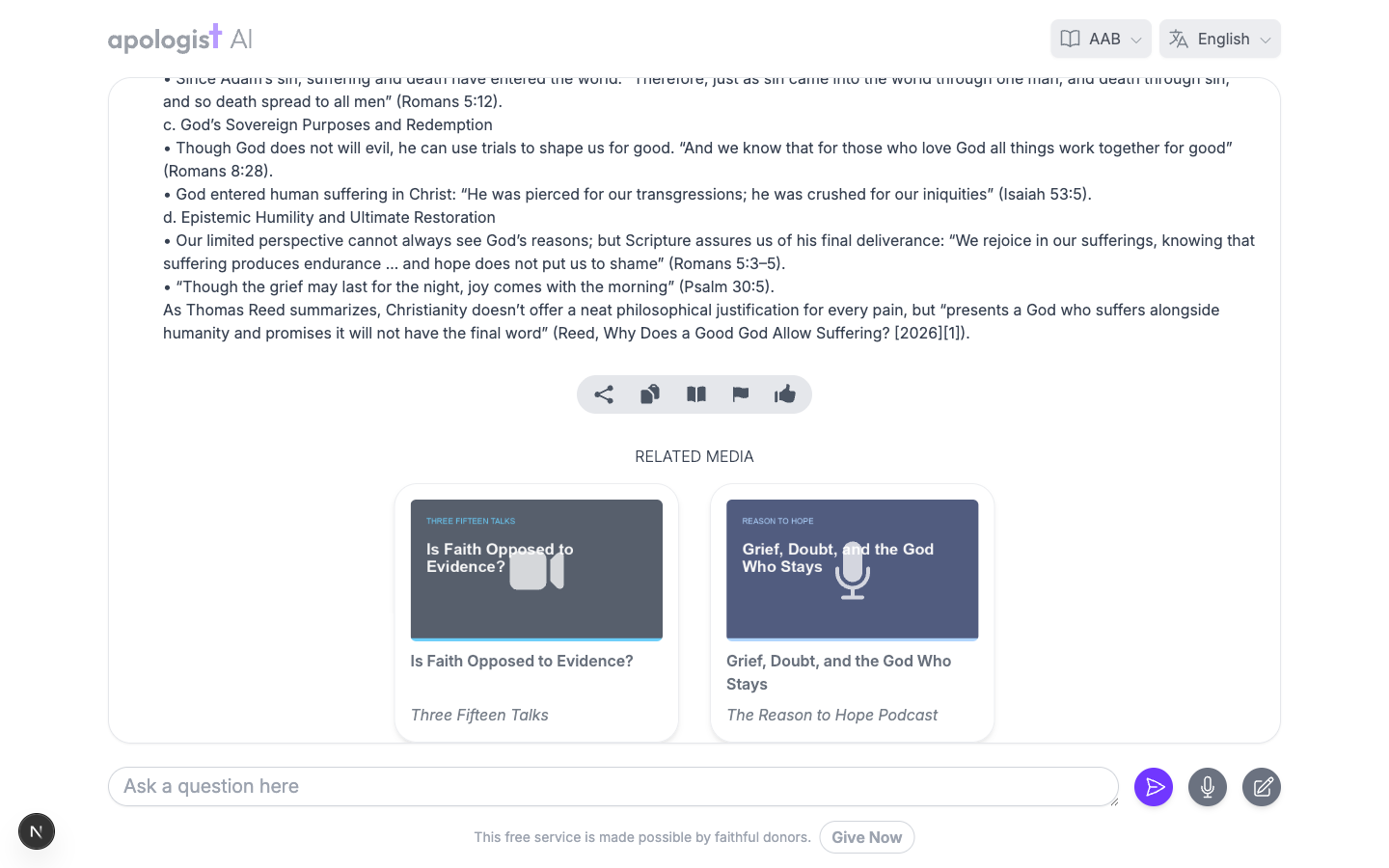
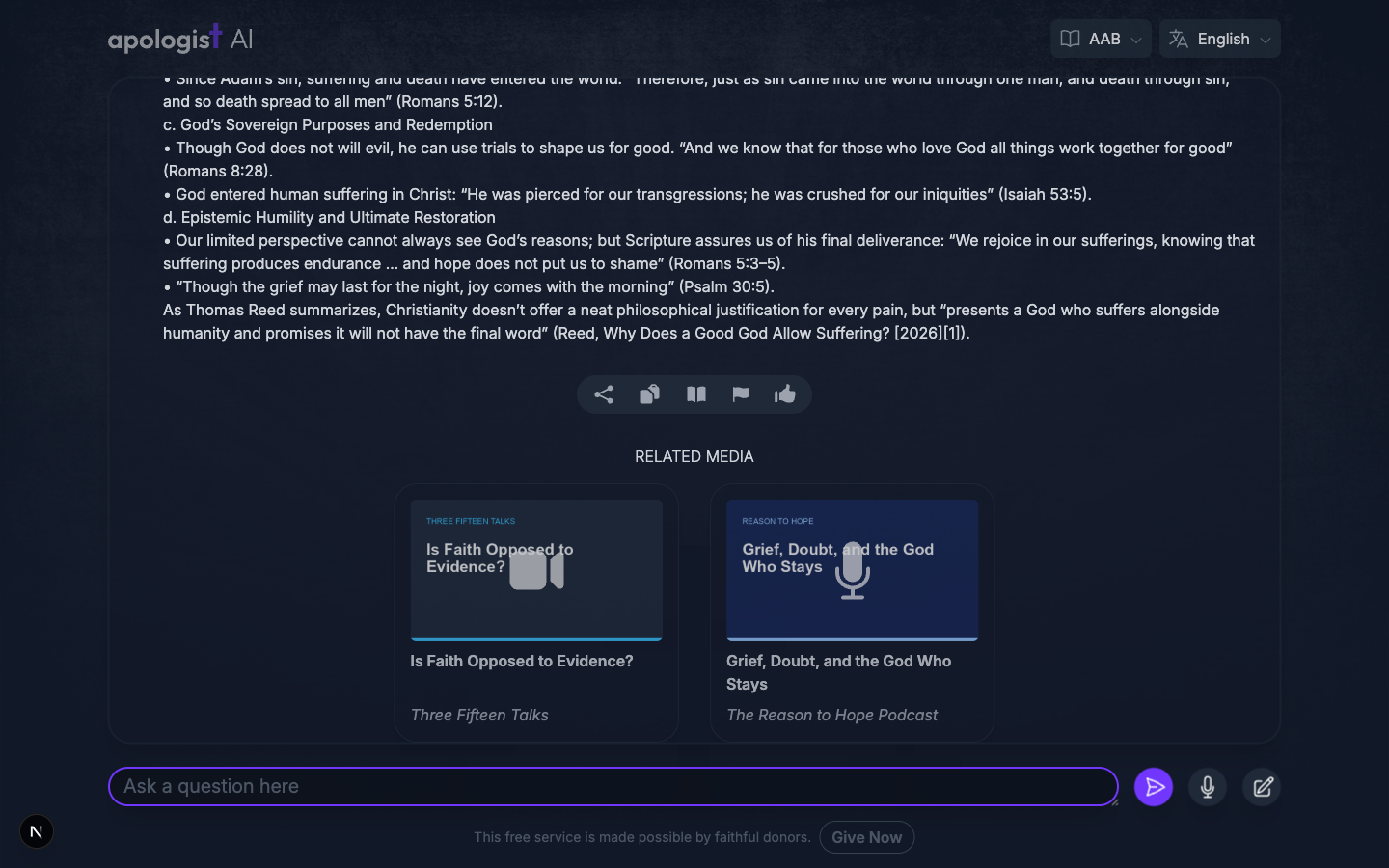
A visitor who asks a question the library covers sees a Related Media heading below the answer, with a card for each suggestion showing its artwork and title, and the Collection it came from where there is one. Selecting a video or podcast episode opens it in a player without leaving the conversation, and anything else, including a whole Collection, opens in a new tab.
How the Agent Chooses What To Show
Suggestions are matched to the question that was just asked, drawn fresh for every answer, and capped at a small number of cards set by your deployment. Fewer cards than the cap means fewer things matched, not a fault.
Show Media from Collections picks between two ways of searching, rather than adding to one:
Because it chooses between them, turning it on leaves Use Source Citations as Media Where Possible with nothing to do. Console offers both at once, but only one of them is in effect.
With Show Media from Collections off, correlation runs first and search fills the gap:
- If Use Source Citations as Media Where Possible is on, the Agent looks for media among the sources the answer cited.
- If that leaves room, a search for the question tops the row up.
The Media Collections picker then sets the boundary for whichever search runs:
- Empty. The Agent draws on any approved media that meets your deployment’s minimum weight. Approval is what keeps unvetted material out.
- One or more Collections named. The Agent draws only on those. Your own team’s material is then eligible whether or not it has been approved, so name only Collections you would have approved anyway. Material belonging to another team still has to be approved before it can appear.
Troubleshooting
- The Related Media tab is not on UI Settings. The capability is off. Turn it on under General, Capabilities, and save. If the toggle there is disabled with Upgrade to Unlock, your plan does not include Related Media.
- The UI Settings page is missing entirely. It appears only when at least one of the Standalone, Embedded, PWA, or Related Media capabilities is on.
- The controls beside Show Media cannot be changed. They stay unavailable until Show Media is on.
- Nothing appears below the answers. Nothing matched the question. Confirm your team has video or podcast material indexed, then check the Media Collections picker: with it empty, only approved media above the minimum weight is eligible.
- Use Source Citations as Media Where Possible seems to do nothing. Show Media from Collections is on, which replaces that search rather than adding to it. Turn it off for citations to be consulted.
- A suggested Collection holds no media. With Show Media from Collections on, the search covers any approved Collection, not only the types that hold media, so a Collection of written material can be suggested. Name the Collections you want in the Media Collections picker to bound it.
- The suggestions are not the sources the answer cited. Correlation is best effort. When the cited sources are written rather than media, or there are too few of them, the Agent fills the remaining cards from a search.
- Suggestions differ between two answers to similar questions. That is expected. Matching runs per answer against the question that was asked.
Next Step
Continue to Voice to Voice to let visitors speak with the Agent instead of typing.