

Benchmarks
An Evaluator judges one piece of text. A Benchmark is how you point one at your Agent on purpose: it asks a list of questions you wrote, collects the answers, and scores every one of them into a single number you can compare against the last time you ran it.
When you might look to run a benchmark:
- You are about to change the model, the instructions or the sources. Score the same questions before and after, so you find out whether the answers got better or merely different.
- A good answer might have been luck. Ask each question several times in one run, and see whether the quality holds up across all of them.
- A visitor got a poor answer. Score that exact reply where it sits in your chat logs, instead of trying to reproduce it and hoping you get the same thing back.
- You have added a document and cannot tell whether it helps. Score the text of the Source itself, without involving a conversation at all.
Benchmark runs do not wait for a visitor. A Call to Action, a Guardrail and an Automation all sit in live conversations and react to what someone said. A Benchmark is a test you run yourself, whenever you want, against questions nobody asked.
Purpose
Turn on Benchmarks, write a handful of questions, score them with an Evaluator, and run the whole set against your Agent.
Prerequisites
- An Agent visitors can reach. See Standalone Web UI.
- Benchmarks on your team’s plan. The capability is otherwise disabled with an Upgrade to Unlock link beside it, and the Benchmarks entry does not appear in the left-hand navigation at all.
- At least one active Evaluator. A Benchmark scores nothing on its own, and one with no Evaluator attached cannot be run.
- A default API key on the Agent. Console runs a Benchmark by asking the Agent the questions the way any other caller would, so it needs a key to do it with. Turn on the API capability, issue a key on the Agent’s API page, then pick it under Default API Key on that same page.
- Permission to edit Agents for your team.
Turn On Benchmarks
Select Agents in the left-hand navigation, open your Agent, then choose General and select the Capabilities tab.
Under Orchestration, turn on Benchmarks and select Save Changes. The page reloads, and a Benchmarks panel joins the row of panels at the foot of General.
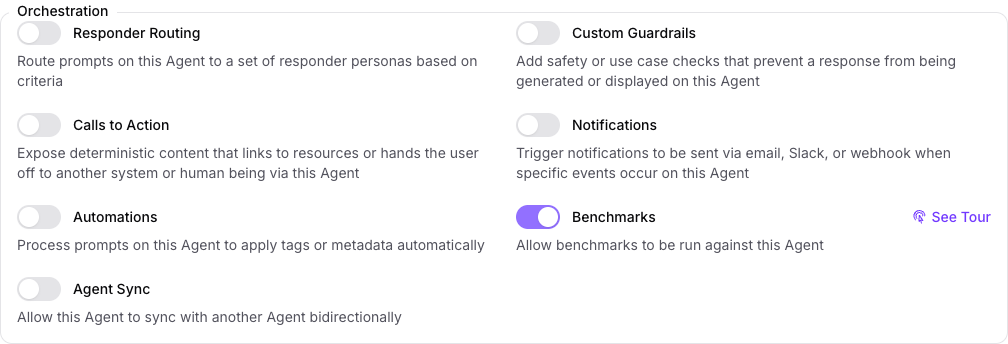
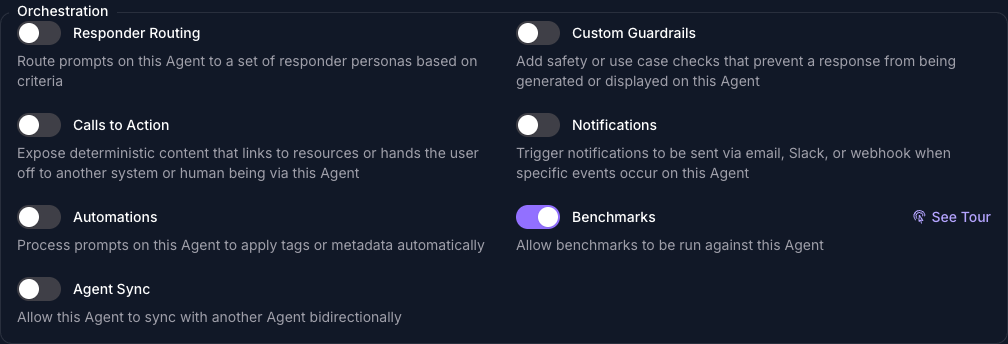
This capability controls the panel on the Agent and nothing else. Benchmarks and Benchmark Questions are in the left-hand navigation as soon as your plan includes them, so you can write questions before you turn anything on.
Write the Questions
Questions live in one library shared by every Benchmark, rather than inside the Benchmark that uses them, so a question you write once can be scored by several.
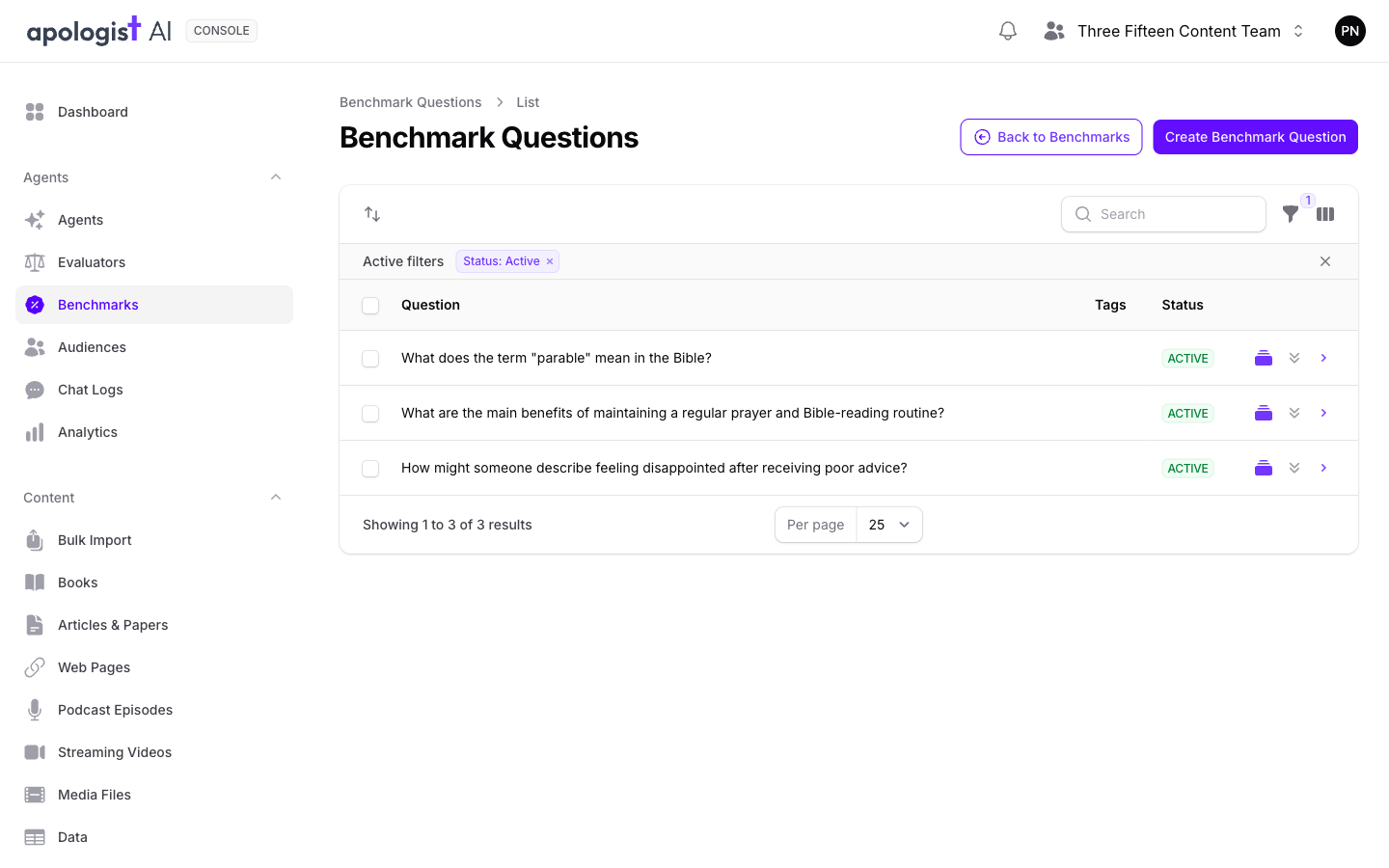
Select Benchmarks in the left-hand navigation, then Benchmark Questions, then Create. Type the Question, which is what the Agent will actually be asked, and turn Active on. Tags are optional and group the library so you can filter it later.
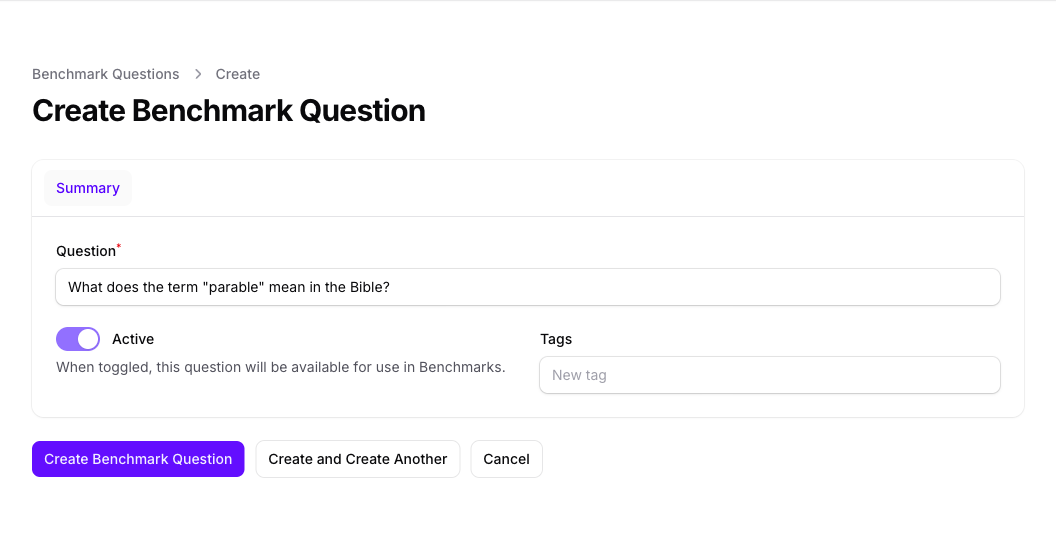
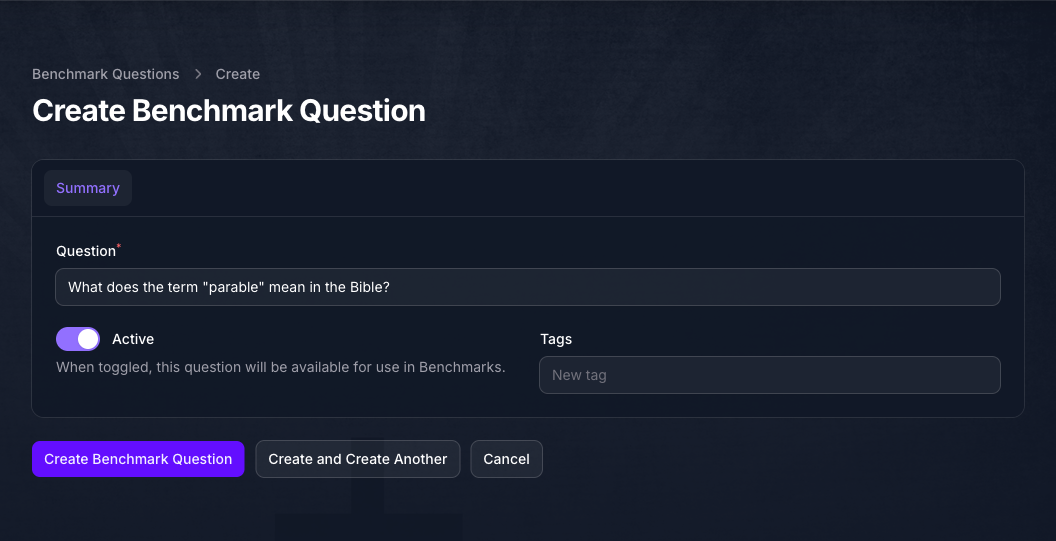
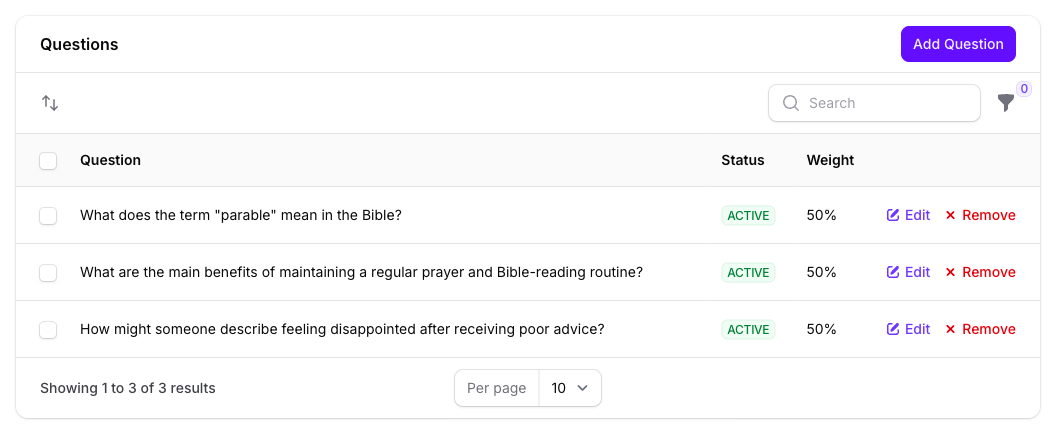
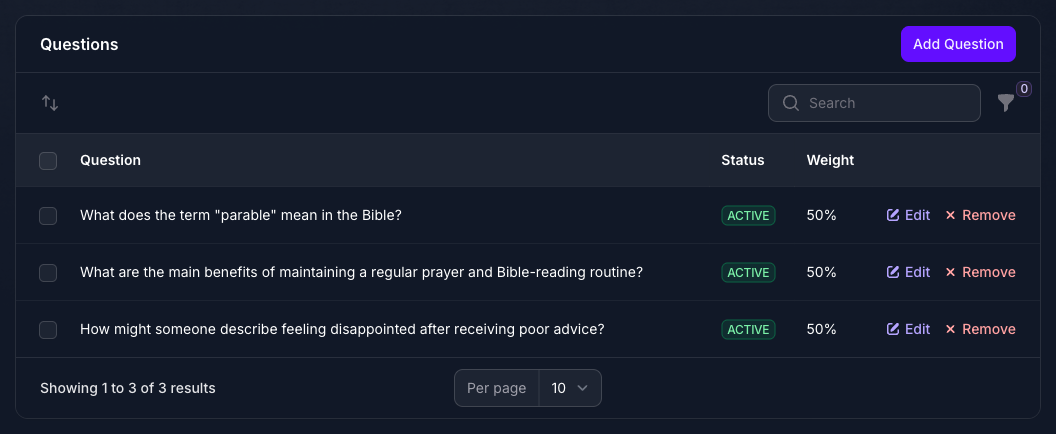
Write questions your Evaluator can tell apart, because the score is only as meaningful as the spread of answers it sees. The three below are one per option of the Sentiment classifier built in Evaluators. If a run scores all three alike, the Evaluator is not telling them apart, and the number it produces is not measuring what you set out to measure.
Build the Benchmark
Select Benchmarks in the left-hand navigation, then Create. Give it a Name and turn Active on, because an inactive Benchmark is not offered when you go to run one. Leave Use Question Variants off for now.
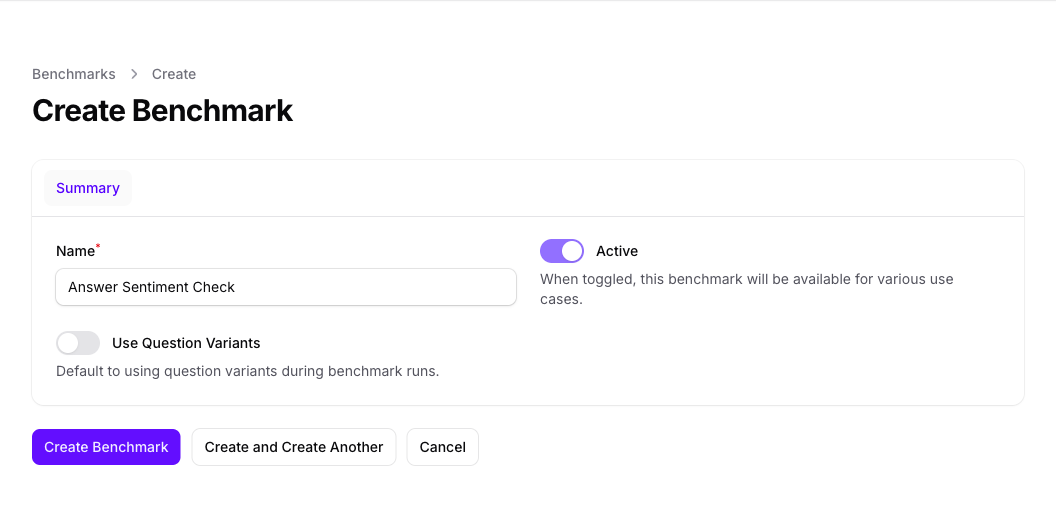
Select Create Benchmark. Two panels appear beneath the form, Evaluators and Questions, and the Benchmark does nothing until both have something in them.
Attach an Evaluator
On the Evaluators panel, select Add Evaluator and choose one. Active turns it on for this Benchmark, and Weight is its share of the score when several are attached.
Confidence Threshold is how sure the Evaluator has to be before its verdict counts as a pass, and Matching Options are the verdicts that count as one. Answer Sentiment Check uses Sentiment, whose options are Negative, Neutral and Positive; matching Positive and Neutral is what makes the Benchmark mean “does Seeker answer without sounding negative”.
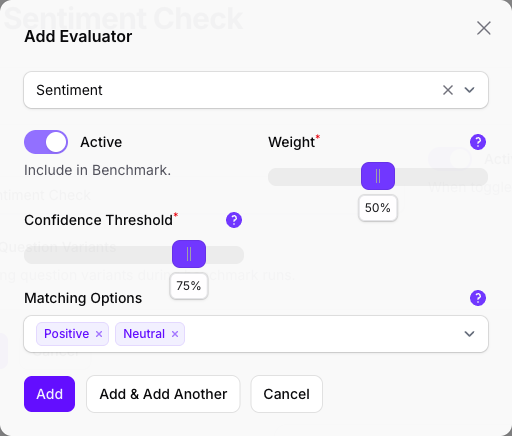
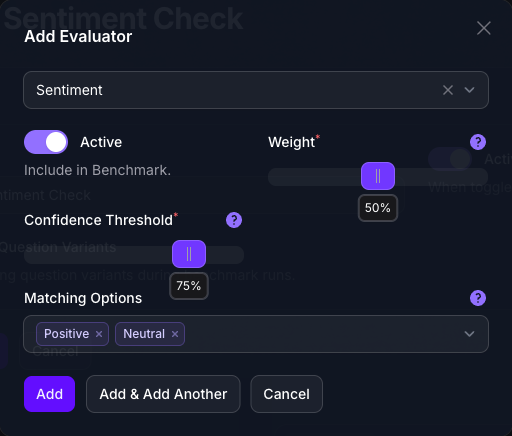
Matching Options decide whether a run can pass at all. A classifier with none selected still produces a score, but never a pass or a fail, so the run’s Result reads n/a. Selecting every option has the opposite problem: every verdict matches, and the Benchmark only ever measures confidence.
If your Evaluator is a grader, this step is shorter. A grader scores an answer from 0 to 1 against criteria you wrote, rather than picking from a list of options, so it has no Matching Options to choose and the slider is labelled Score Threshold instead. Set the lowest score you are willing to call a pass, and everything else on this page works the same way. See Evaluators for the difference between the two kinds.
Attach the Questions
On the Questions panel, select Add Question and pick one from the library. Weight is that question’s share of the score. Repeat for each question you want in this Benchmark.
Save Before You Run
Select Save Changes on the Benchmark once both panels are filled.
Attaching an Evaluator or a question does not reach the Agent on its own. Until you save the Benchmark, a run finds nothing to ask and nothing to score, and returns an empty result rather than an error.
Run It
Go back to your Agent, select General, scroll to the foot of the page and select the Benchmarks panel, then select Run Benchmark.
Choose your Benchmark. A summary of its Evaluators and questions appears as soon as you do, which is your last chance to check you picked the right one. # Response Iterations asks each question that many times, which is how you find out whether the Agent answers consistently rather than well once.
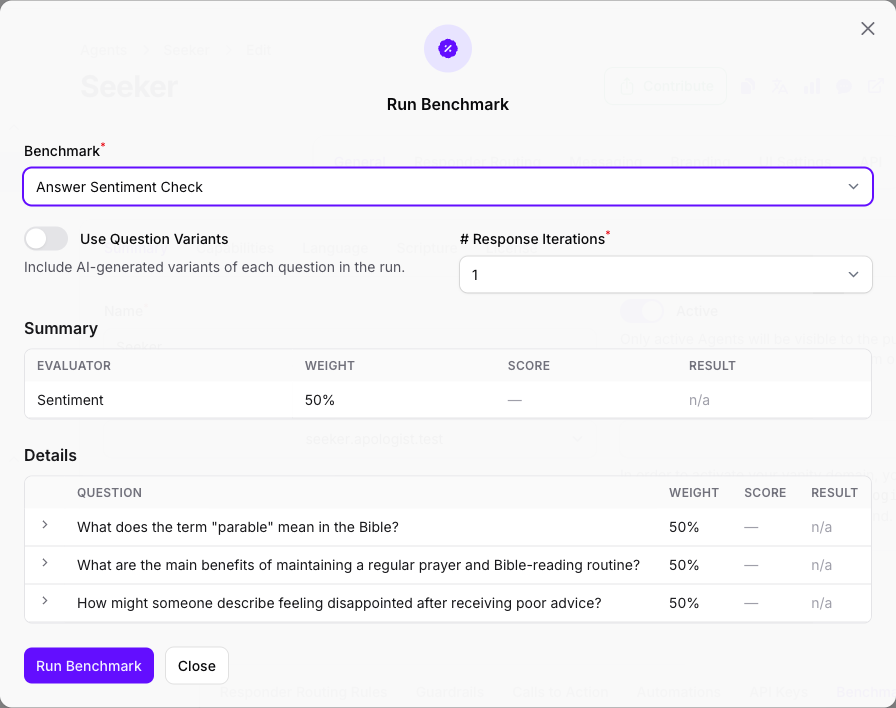
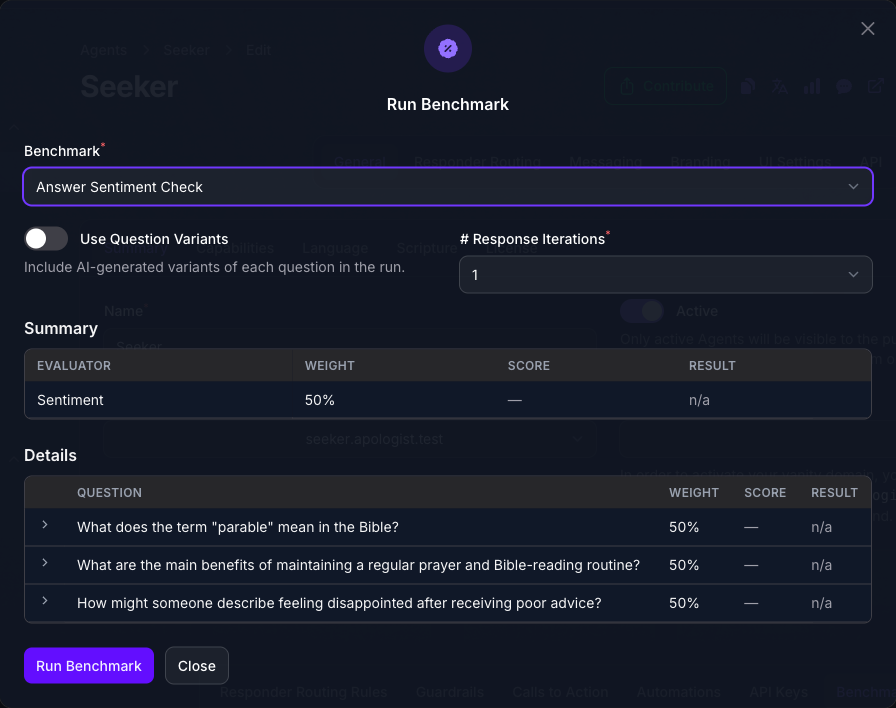
Select Run Benchmark. The Agent answers every question for real, so a run takes as long as that many conversations would, and the results replace the summary in the same dialog when it finishes.
Read the Results
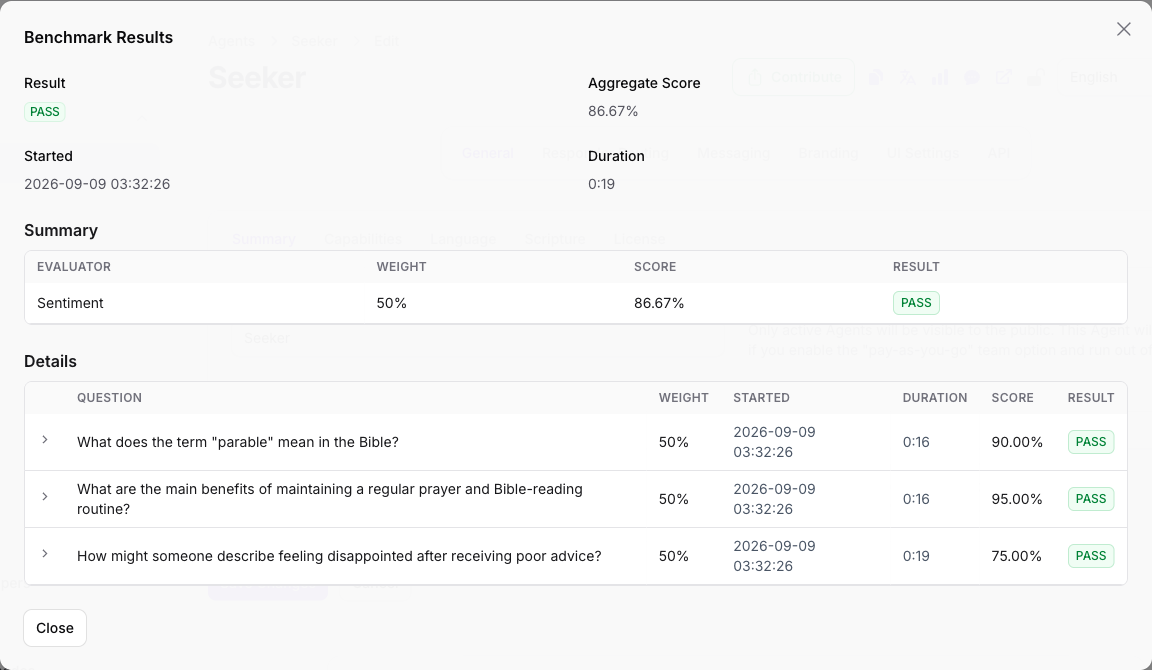
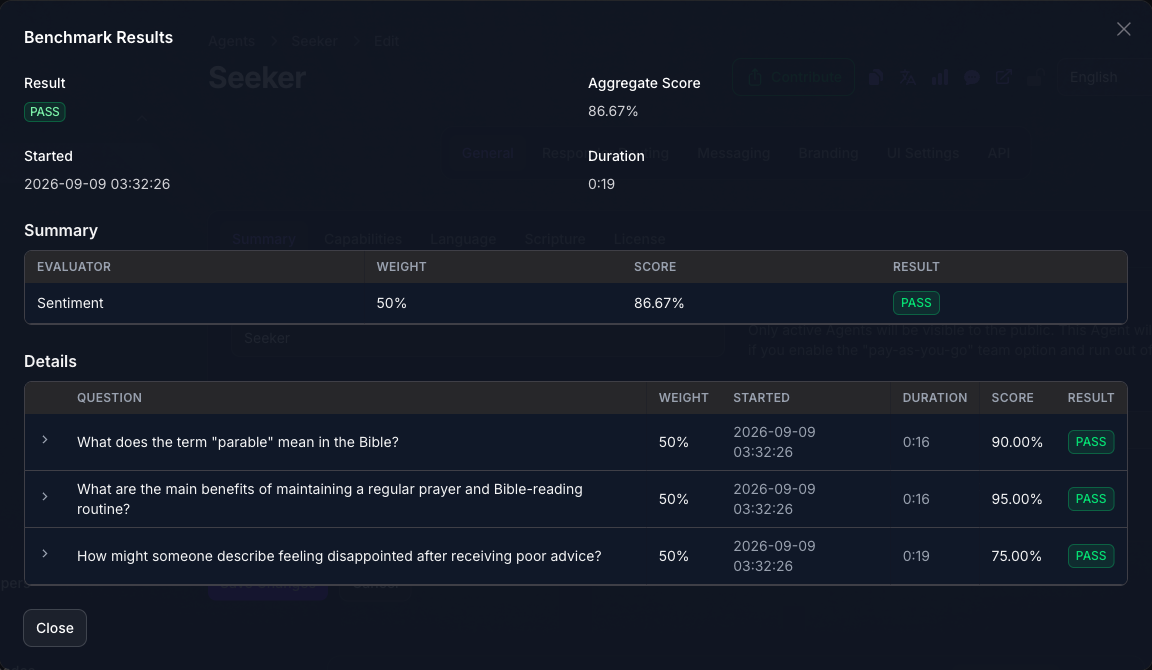
The panel lists each run with its Score, its Result and how long it took. Open one to see the same figures broken down: once per Evaluator, and once per question, each with its own score and how long it took.
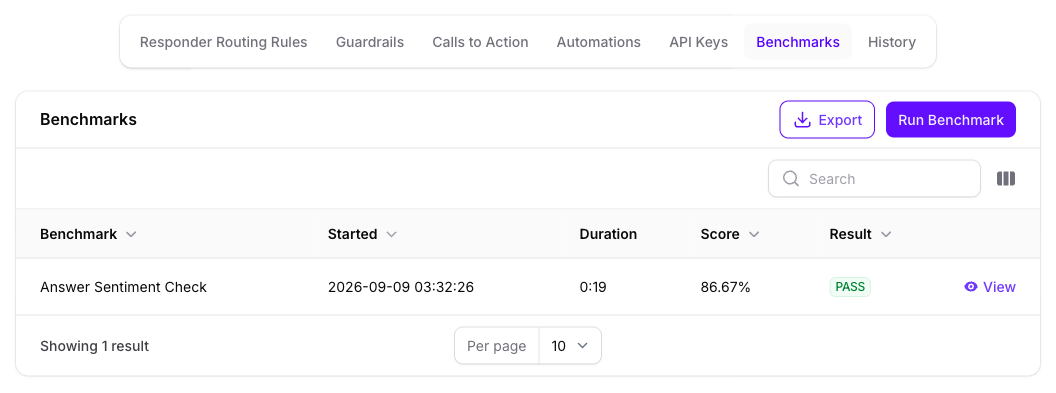
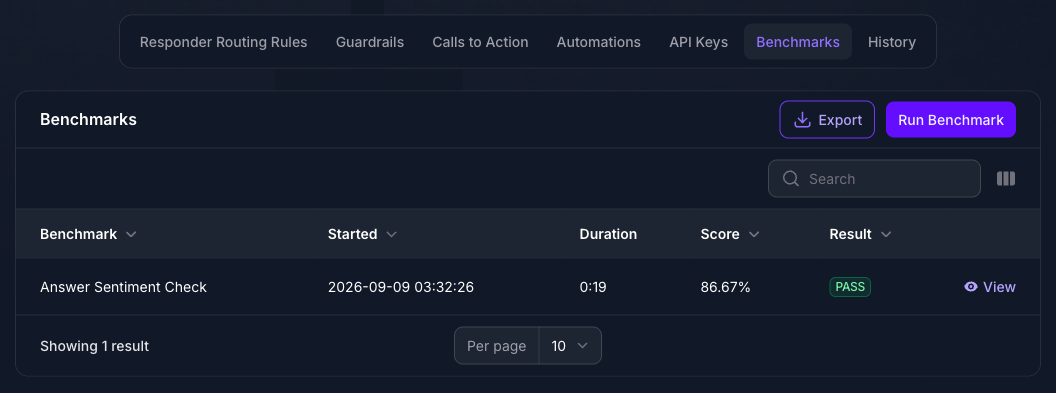
Score and Result answer different questions. The score is the weighted average of every evaluation in the run, so it moves gradually and is the number worth tracking over time. The result is PASS only when every single evaluation that reached a verdict passed, so one bad answer out of twenty fails the whole run.
Expected Result
You can run the same set of questions against the Agent whenever you want and compare the score to the last time. The answers themselves stay out of Chat Logs, because they are your traffic rather than a visitor’s, but they are counted in Analytics.
Go Further
Each of the sections below is independent, so read the one you need.
Generate Question Variants
A visitor will not phrase a question the way you did. A variant is the same question asked differently, written for you, and it is how you find out whether the Agent answers the meaning or the wording.
On Benchmark Questions, select the stacked-squares icon on a question’s row, choose how many variants you want, and confirm. They are written immediately and appear beneath the question when you select the chevron beside it. Variants inherit the parent question’s tags, and a variant cannot have variants of its own.
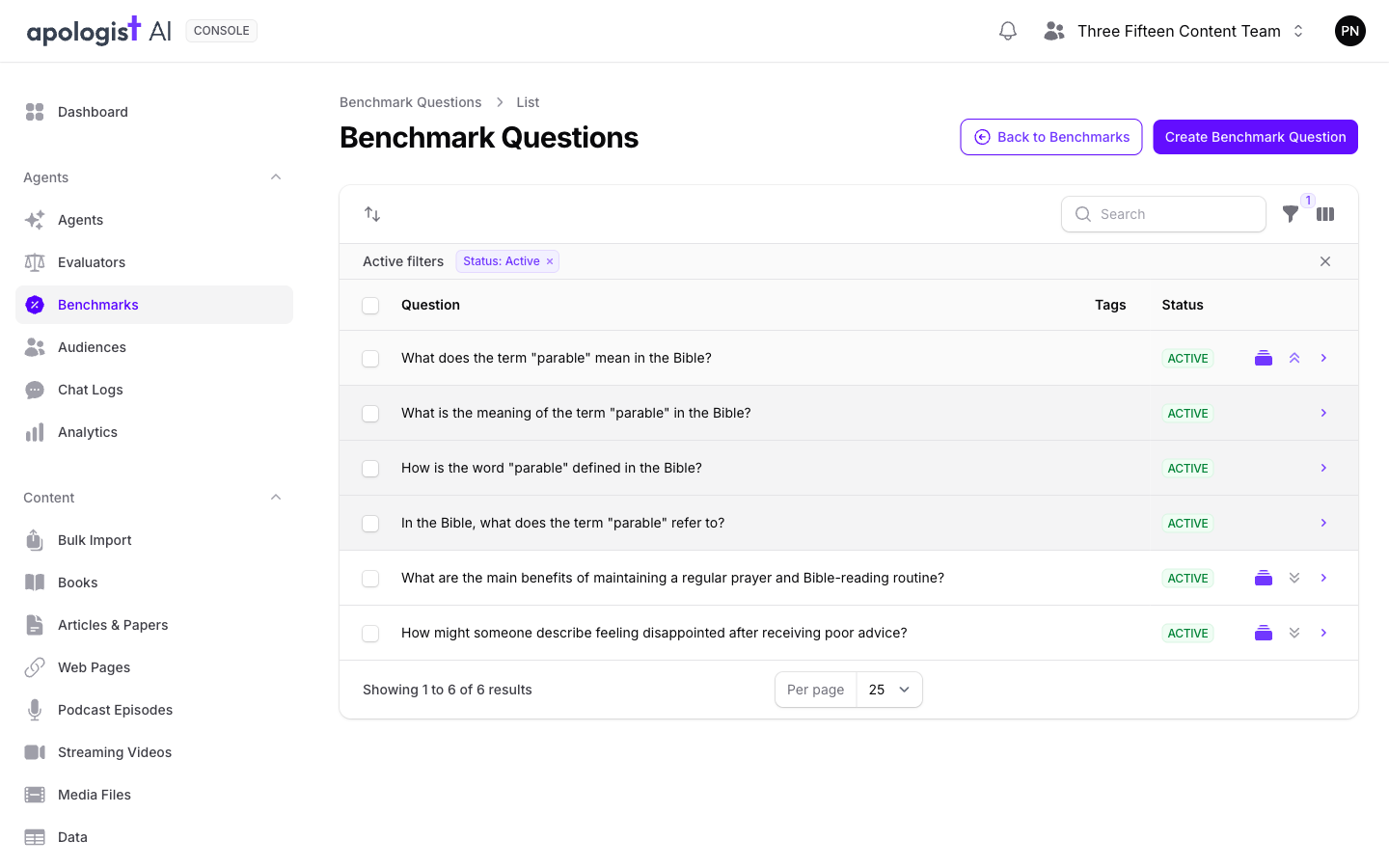
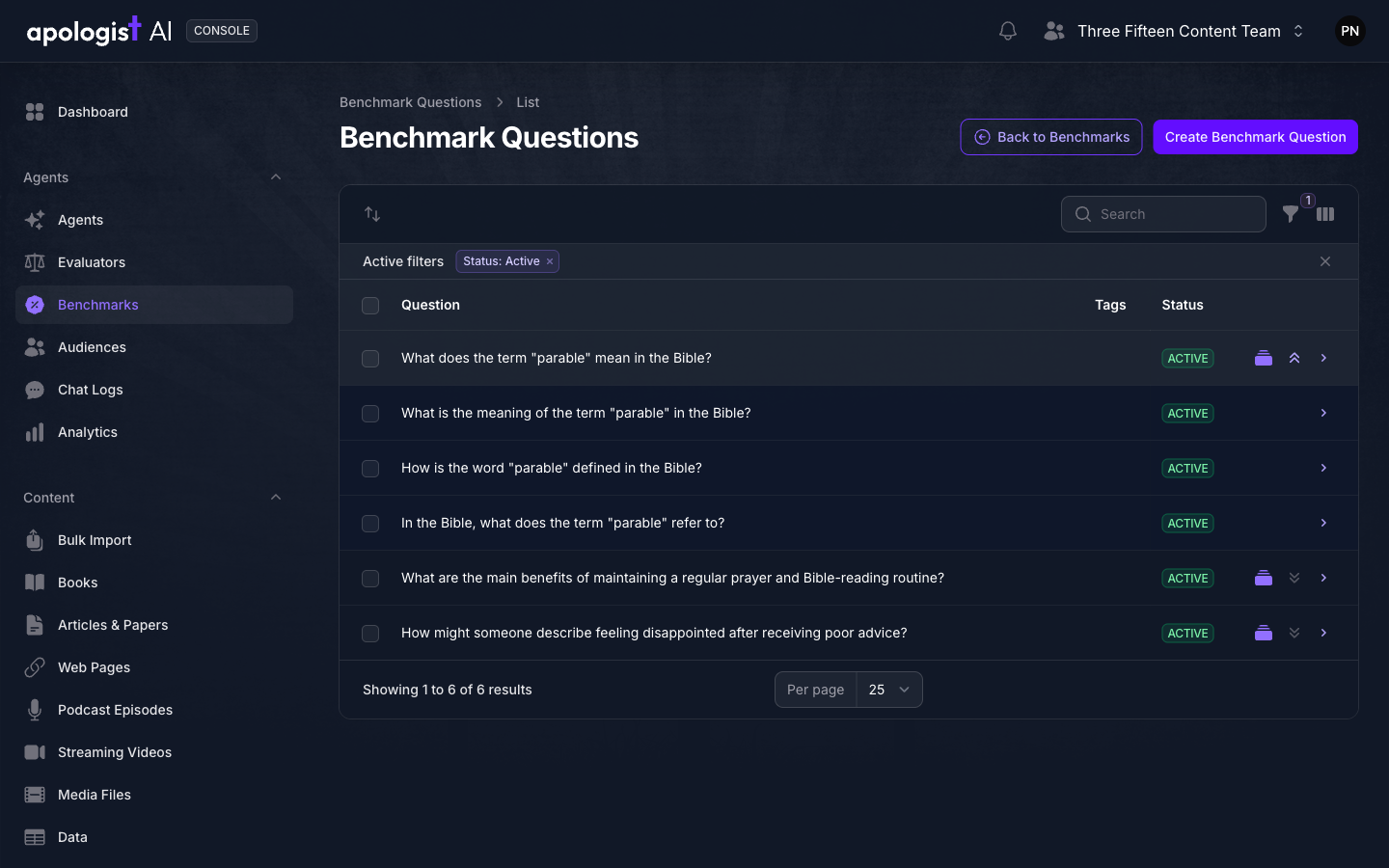
Variants are not attached to a Benchmark separately. Attach the question, then turn Use Question Variants on, either on the Benchmark so every run uses them or in the run dialog for one run. Each variant is asked alongside its parent and carries the parent’s weight, so turning this on multiplies the length of the run.
Selecting several questions and using the Generate Variants bulk action does the same job in the background, and can take a few minutes to appear.
Weight What Matters
Every weight defaults to 50%, so an unweighted Benchmark treats everything equally. Change them when it should not.
Weights are relative, not absolute. The score divides by the total weight in the run, so what counts is how the weights compare to each other, never how high they are. Everything at 50% and everything at 100% produce exactly the same score, which is why the default sits in the middle and leaves you room to move in both directions.
An Evaluator’s weight and a question’s weight are multiplied together to decide how much one answer counts. Leave the Evaluator at 50%, put the parable question at 100% and the prayer question at 25%, and the parable answer counts four times as much as the prayer one. A weight of zero removes something from the score without deleting it, which is how you keep a question in the set while you decide whether it is fair.
Benchmark a Source
The same Benchmark can score a piece of your own content rather than an answer the Agent wrote. Open a Source, select its Benchmarks panel, and run one.
The dialog is shorter here: there are no questions and no response iterations, because the Source’s own text is what gets evaluated. Your Evaluators run against it once each.
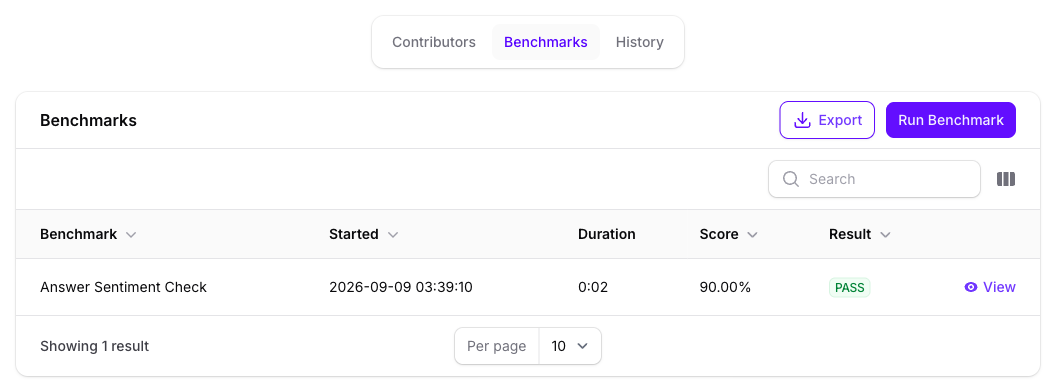
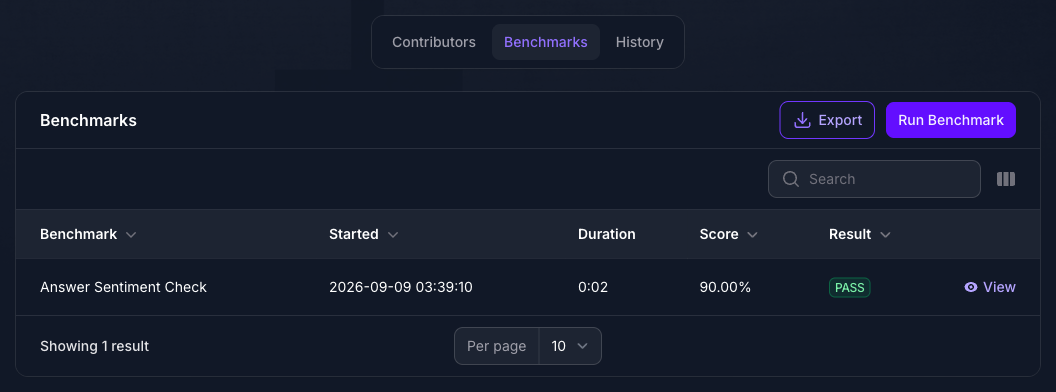
A Source with no extracted text cannot be scored, and Run Benchmark is dimmed with the reason on it. See Indexing Sources.
Benchmark a Single Answer
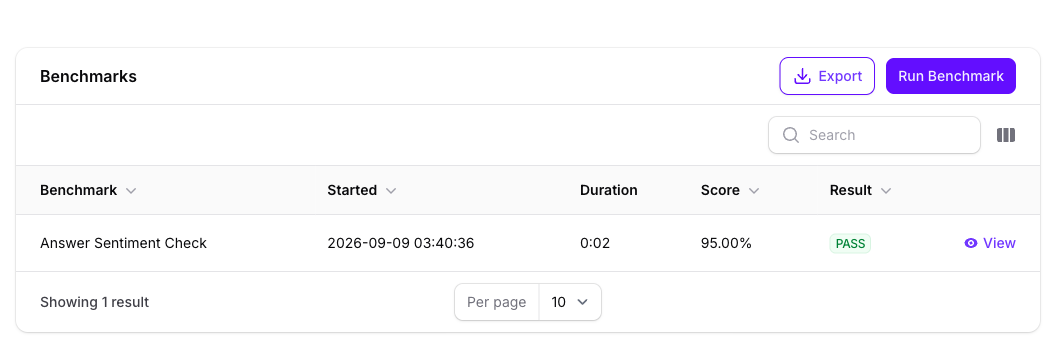
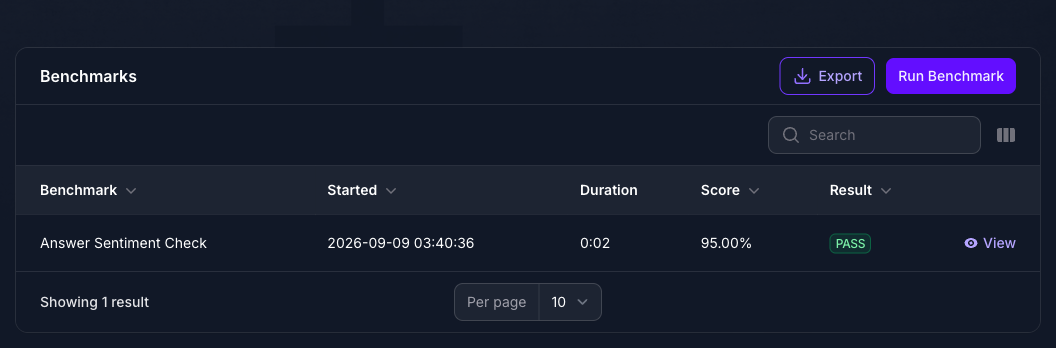
When one exchange looks wrong, you can score that exact answer rather than reproduce it. Open the conversation in Chat Logs, select its Benchmarks panel, and run one.
As with a Source, the questions are not used: the answer the visitor already received is the text being evaluated. This is the quickest way to turn “this reply was poor” into a number you can compare against the Agent’s average.
Export the Evaluations
Export on any Benchmarks panel produces a CSV of the individual evaluations rather than the run summaries, so each row is one Evaluator’s verdict on one answer. Filter by Date Range to limit it.
How a Benchmark Run Works
- It collects the Benchmark’s active Evaluators and active questions. Both the attachment and the record itself have to be active, so deactivating a question in the library removes it from every Benchmark that uses it.
- It expands the variants, if variants are turned on, adding each one after its parent with the parent’s weight.
- It asks the Agent every question, as many times as # Response Iterations, and waits for real answers.
- It runs every Evaluator against every answer. A classifier passes when the option it picked is one of the Matching Options and its confidence clears the threshold. A grader passes when its score clears the threshold.
- It averages the scores by weight to produce the run’s score, multiplying each Evaluator’s weight by the weight of the question being answered.
- It passes the run only if nothing failed. An evaluation that reached no verdict, such as a classifier with no Matching Options, is left out of that decision rather than counted as a failure.
What Each Setting Does
Troubleshooting
- There is no Benchmarks entry in the navigation. Your plan does not include Benchmarks.
- There is no Benchmarks panel on the Agent. The capability is off. It is separate from the navigation entry, which your plan alone controls.
- The Benchmark is greyed out in the run dialog, labelled “no evaluators” or “no questions”. It cannot produce a result as it stands. Attach what it says is missing.
- It still says “no questions” after you attached some. Both halves have to be active: the question in the library, and its attachment to this Benchmark.
- Your Benchmark is not in the list at all. Only active Benchmarks are offered.
- The run finished instantly and scored nothing. The Benchmark was not saved after its Evaluator and questions were attached. Open it, select Save Changes, and run again.
- Result reads n/a. No evaluation reached a verdict. For a classifier, that usually means no Matching Options were selected.
- The score is good but the result is FAIL. They measure different things. One failed evaluation fails the run, however well everything else scored.
- A question seems to count for nothing. Check its weight and its Evaluator’s weight; the two are multiplied, and a zero on either side removes it from the score.
- The run failed with an error mentioning a token or a 404. The Agent has no Default API Key selected on its API page. Console has no way to ask the Agent anything without one.
- The run is taking a long time. Every question is a real conversation with the Agent, multiplied by the response iterations, and again by the variants if they are on.
- Show Variants does nothing. It is disabled until that question has variants, and the tooltip reads No Variants.
- Bulk-generated variants have not appeared. That action runs in the background and can take a few minutes. The single-row action is immediate.
- Benchmark answers are missing from Chat Logs. They are kept out deliberately, because they are not visitor conversations. They are still counted in Analytics.
Next Step
Continue to Notifications to be told when something happens, or to Analytics to see benchmark traffic counted alongside the rest.